
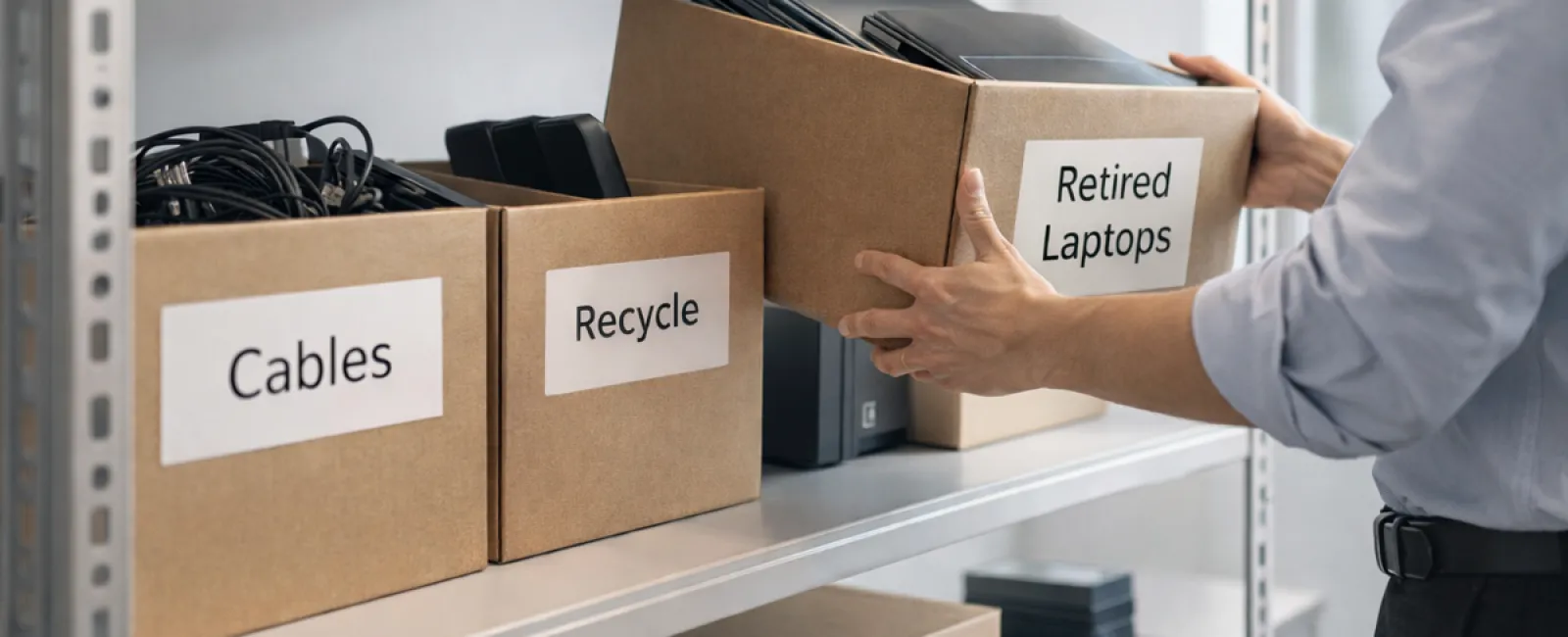
Most companies begin their spring cleaning with closets, but the true clutter usually hides in less obvious spots.
It might be tucked away on a server rack, stashed in a storage closet, forgotten in a back office, or piled high under a "to be addressed later" sign.
Old laptops, outdated printers, legacy backup drives, and boxes of cables no one wants to discard "just in case"—every business ends up with these.
The key question isn't if you have this buildup; it's whether you have a clear strategy for managing it.
Technology Lifecycles Extend Beyond Just Buying Dates
When acquiring new technology, you usually have a clear motive: enhanced speed, improved security, increased capabilities, or enabling growth.
While many businesses carefully plan technology purchases, few develop equally thoughtful plans for retiring outdated equipment.
Retiring tech often happens quietly: devices get swapped out, set aside, then eventually cleared to make room.
This is a common practice.
What's uncommon is treating technology retirement with as much care as its acquisition.
Old devices still hold value—whether through reuse, recyclable materials, or sensitive data contained within. Left unchecked, they can become burdensome, taking up space and distracting your operations.
Spring is the ideal season to evaluate: what equipment still supports your business and what's merely occupying space?
An Actionable Approach to Streamline Your Tech Cleanup
To move beyond vague intentions, follow our straightforward four-step framework.
Step 1: Take Inventory
Identify the equipment you plan to retire—whether laptops, phones, printers, network devices, or external drives. You can't manage what you haven't tracked, and a simple walkthrough often uncovers much more than expected.
Step 2: Determine Equipment Fate
Each device typically fits into one of three categories: reuse (internally or through donation), certified recycling programs, or secure destruction when data privacy requires it. The important part is deciding intentionally rather than letting hardware accumulate aimlessly.
Step 3: Prepare Devices Carefully
Proper preparation is critical.
If you're reusing or donating, make sure to remove devices from management systems, revoke user access, and conduct thorough data wiping rather than just a factory reset. Simple deletion or quick formatting doesn't erase data; it only hides its location.
Research by security expert Blancco revealed that 42% of resold drives on eBay still contained sensitive data like tax returns or passport info despite sellers claiming they were wiped. Certified data-erasure software overwrites every sector and provides verifiable reports.
For recycling, always use a certified e-waste vendor—never discard items in the trash. Note that widely known programs like Best Buy's only accept household electronics, not business devices.
Businesses need IT asset disposition (ITAD) providers or specialized recyclers with e-Stewards or R2 certifications—directories are available at e-stewards.org and sustainableelectronics.org. Your IT partner can typically manage this process.
For destruction, employ certified data wiping or physical destruction methods like shredding or degaussing, and maintain detailed records: device serial number, destruction method, date, and handler.
This isn't about unnecessary caution—it's about fully closing your retirement process.
Step 4: Record Details and Move Forward
After equipment leaves your premises, track where it went, how it was processed, and verify all access was removed. Proper documentation resolves lingering questions.
Often Overlooked Devices
Laptops typically get noticed, but other devices frequently slip under the radar.
Mobile Phones and Tablets may still contain email accounts, contacts, or authentication apps. While a factory reset clears most data, a certified mobile wipe ensures maximum security. Leading manufacturers like Apple and Samsung offer trade-in programs, offering potential savings on new gear.
Modern Printers and Copiers often house internal hard drives storing printed, scanned, copied, or faxed documents. When returning leased copiers, get confirmation in writing that these drives will be wiped or removed before reuse.
Batteries are classified as hazardous waste and subject to disposal laws in many states like California, New York, and Minnesota. Remove rechargeable batteries, tape terminals to prevent shorts, and drop them off at certified recycling locations. Websites like Call2Recycle.org and stores such as Staples, Home Depot, and Lowe's offer accessible collection points.
External Drives and Retired Servers often linger unused in closets. Though not necessarily problematic, they deserve the same thoughtful retirement process as all other equipment.
Recycling Considerations
April brings Earth Day, a reminder to prioritize environmental responsibility.
Electronic waste shouldn't end up in landfills. The world generates over 62 million metric tons of e-waste annually, but only about 22% is properly recycled. Batteries, monitors, and circuit boards require specialized handling, and most communities provide certified e-waste recycling options.
Cleansing your technology responsibly ensures operational efficiency, environmental care, and strategic advantage. There's no need to choose between security and sustainability—you can achieve both.
This thoughtful approach also resonates with customers when shared subtly on your company's social channels, showcasing responsible business practices without fanfare.
Broader Benefits of Tech Cleanup
Spring cleaning isn't merely about disposal; it's about creating valuable space.
Clearing obsolete technology is one part, but use this moment to ask a bigger question: is your current technology truly supporting the way you want to operate?
While hardware cycles in and out, modern progress rides on software, automated systems, and optimized workflows that drive true productivity and profitability.
Retiring old devices properly is smart housekeeping. Aligning your ongoing tech strategy with your business goals keeps momentum strong.
How We Assist
If you've established a clear equipment retirement process, that's ideal—making tech management seamless and routine.
As you replace outdated gear, it's also wise to review your technology ecosystem: are your systems integrated, are your tools cooperating effectively, and is your technology fueling growth rather than just maintenance?
We're here to talk through your tech stack, systems, and workflows to help boost productivity and profitability.
No sales pitches or equipment checklists—just practical insights on leveraging technology effectively for your business.
Click here or give us a call at (760) 266-5444 to schedule your free Discovery Call.
Feel free to share this with fellow business owners if you found it helpful.
Remember, spring cleaning isn't limited to closets. It extends to the essential systems powering your business.


